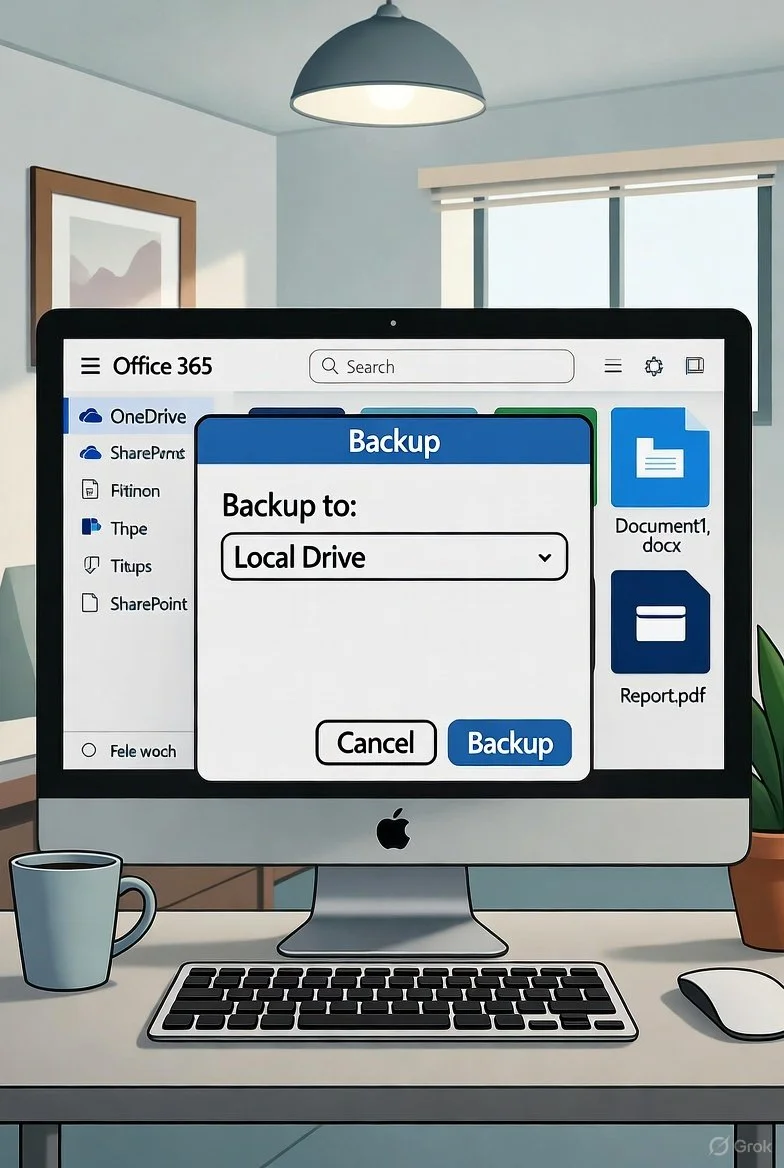
The 3-2-1 Rule: How to Keep Your Data Safe and secure
In today’s digital age, data is one of our most valuable assets. From cherished family photos to critical business documents, losing data can be devastating—emotionally and financially. Whether it’s due to hardware failure, cyberattacks, or simple human error, data loss is a risk we all face. Fortunately, there’s a simple, time-tested strategy to protect your data: the 3-2-1 backup rule. This article explores what the 3-2-1 rule is, why it matters, and how you can implement it to safeguard your data and avoid costly losses.
What Is the 3-2-1 Backup Rule?
The 3-2-1 rule is a straightforward backup strategy designed to ensure your data remains safe and recoverable, no matter what happens. It breaks down into three key principles:
3: Keep at least three copies of your data.
2: Store these copies on two different types of media.
1: Keep at least one copy offsite.
By following this rule, you create multiple layers of protection, reducing the risk of losing your data to a single point of failure.
Why the 3-2-1 Rule Matters
Data loss can happen in countless ways: a hard drive crashes, a laptop is stolen, ransomware encrypts your files, or a natural disaster destroys your devices. According to a 2023 report by Backblaze, 30% of users experienced data loss due to hardware failure, while cyberattacks like ransomware affected 22% of businesses. The financial impact can be staggering—small businesses can lose thousands of dollars recovering data, and individuals may lose irreplaceable personal memories.
The 3-2-1 rule mitigates these risks by ensuring redundancy and accessibility. It’s a simple, cost-effective way to protect against hardware failure, theft, malware, and even natural disasters. By diversifying your backups, you’re prepared for nearly any scenario.
Breaking Down the 3-2-1 Rule
Let’s dive into each component of the 3-2-1 rule and explore how to apply it in practice.
1. Three Copies of Your Data
Having three copies of your data means you always have a fallback if something goes wrong. One copy is your primary data—the files you actively use on your computer or phone. The other two are backups, stored separately to ensure they’re not affected by the same issue that might compromise your primary data.
Example: If you have important documents on your laptop (your primary copy), you should create two additional copies. These could be stored on an external hard drive and in the cloud.
Why three? Two copies might seem sufficient, but having a third adds an extra layer of security. If one backup fails or becomes corrupted, you still have another to rely on.
2. Two Different Types of Media
Storing your backups on two different types of media reduces the risk of a single failure affecting all your data. For instance, if you store all your backups on the same type of hard drive, a manufacturing defect or physical damage could wipe out everything. Using different media—like a hard drive and cloud storage—ensures your backups aren’t vulnerable to the same risks.
Examples of media:
Internal/external hard drives: Reliable for large amounts of data but susceptible to physical damage or theft.
NAS (Network-Attached Storage): A centralized storage solution for home or office networks.
USB drives: Portable and affordable but less durable for long-term storage.
Cloud storage: Services like Google Drive, Dropbox, or Backblaze offer remote storage accessible from anywhere.
Pro tip: Regularly check your backup media for corruption or degradation. Hard drives, for example, have a lifespan of about 3–5 years.
3. One Copy Offsite
Keeping one backup offsite protects your data from local disasters like fires, floods, or theft. An offsite backup could be stored in a different physical location (e.g., a safe deposit box) or in the cloud. Cloud storage is often the most convenient offsite option, as it’s accessible, scalable, and managed by professionals.
Examples of offsite storage:
Cloud services: Google Drive, Microsoft OneDrive, or iCloud.
Physical offsite storage: An external drive stored at a friend’s house, your workplace, or a safe deposit box.
Why offsite? If your home or office is damaged, local backups could be destroyed along with your primary data. An offsite copy ensures you can recover your files no matter what.
How to Implement the 3-2-1 Rule
Putting the 3-2-1 rule into practice is easier than you might think. Here’s a step-by-step guide to get started:
Identify your critical data: Determine which files are most important—photos, financial records, work documents, etc.
Choose your primary storage: This is likely your computer, phone, or server where you actively use your data.
Create two backups:
Backup 1: Use an external hard drive, NAS, or USB drive for a local backup. Software like Time Machine (Mac) or File History (Windows) can automate this.
Backup 2: Use a cloud service like Backblaze, Dropbox, or Google Drive for an offsite backup. Many services offer automatic syncing for ease.
Verify your backups: Periodically check that your backups are up-to-date and accessible. Test restoring a file to ensure it works.
Automate the process: Use backup software to schedule regular backups, reducing the risk of human error.
Secure your data: Encrypt sensitive backups and use strong passwords for cloud accounts to protect against unauthorized access.
Common Pitfalls to Avoid
While the 3-2-1 rule is simple, there are a few mistakes to watch out for:
Not testing backups: A backup is only useful if it works. Regularly test your backups to ensure they’re not corrupted.
Relying on a single cloud provider: Cloud services can experience outages or data breaches. Consider using multiple providers or combining cloud and physical backups.
Neglecting updates: If you don’t back up regularly, your backups may become outdated, leaving recent data at risk.
Ignoring security: Unencrypted backups or weak passwords can expose your data to hackers.
Benefits of the 3-2-1 Rule
By adopting the 3-2-1 rule, you gain peace of mind knowing your data is protected. Key benefits include:
Resilience: Multiple copies across different media and locations make data loss highly unlikely.
Flexibility: The rule works for individuals, small businesses, and large organizations.
Cost savings: Preventing data loss avoids costly recovery efforts or downtime.
Simplicity: The rule is easy to understand and implement, even for non-technical users.
Conclusion
Data loss is a risk we can’t afford to ignore, but the 3-2-1 backup rule offers a reliable, straightforward solution. By maintaining three copies of your data, using two different types of media, and keeping one copy offsite, you create a robust defense against hardware failures, cyberattacks, and disasters. Start implementing the 3-2-1 rule today to protect your valuable data and avoid the heartache and expense of costly losses.
Take action now: review your current backup strategy, identify gaps, and put the 3-2-1 rule into practice. Your future self will thank you.